Colourised World Map
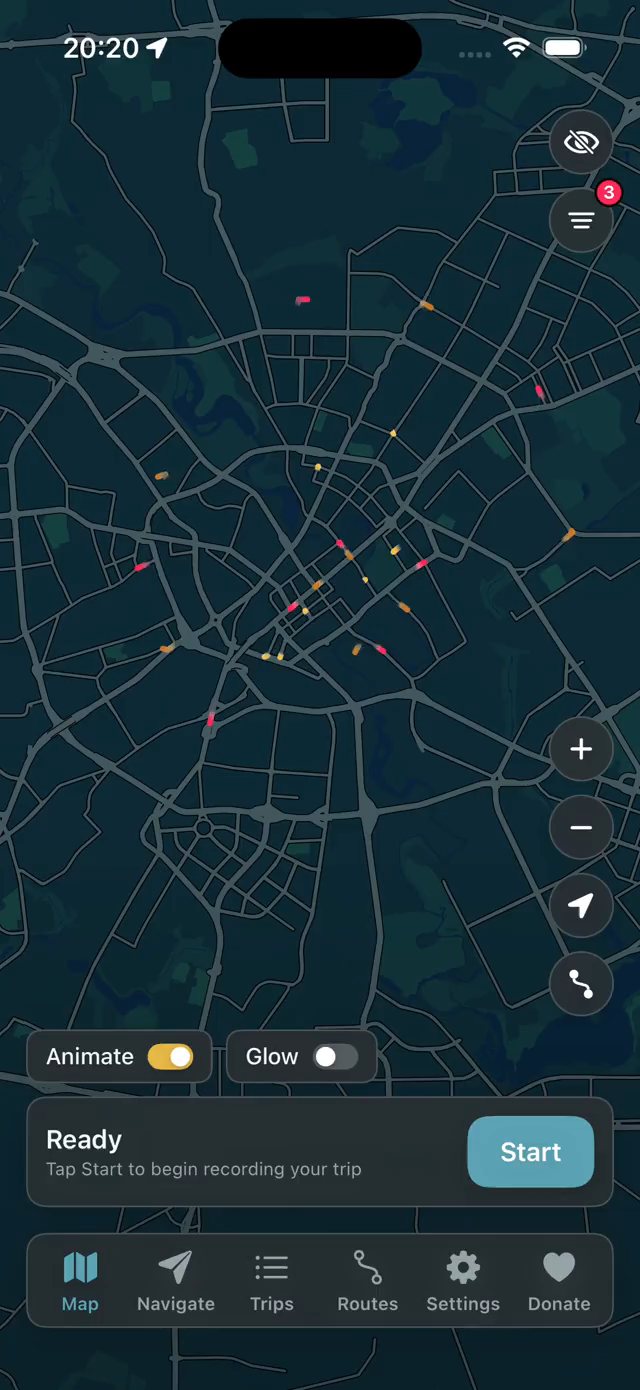
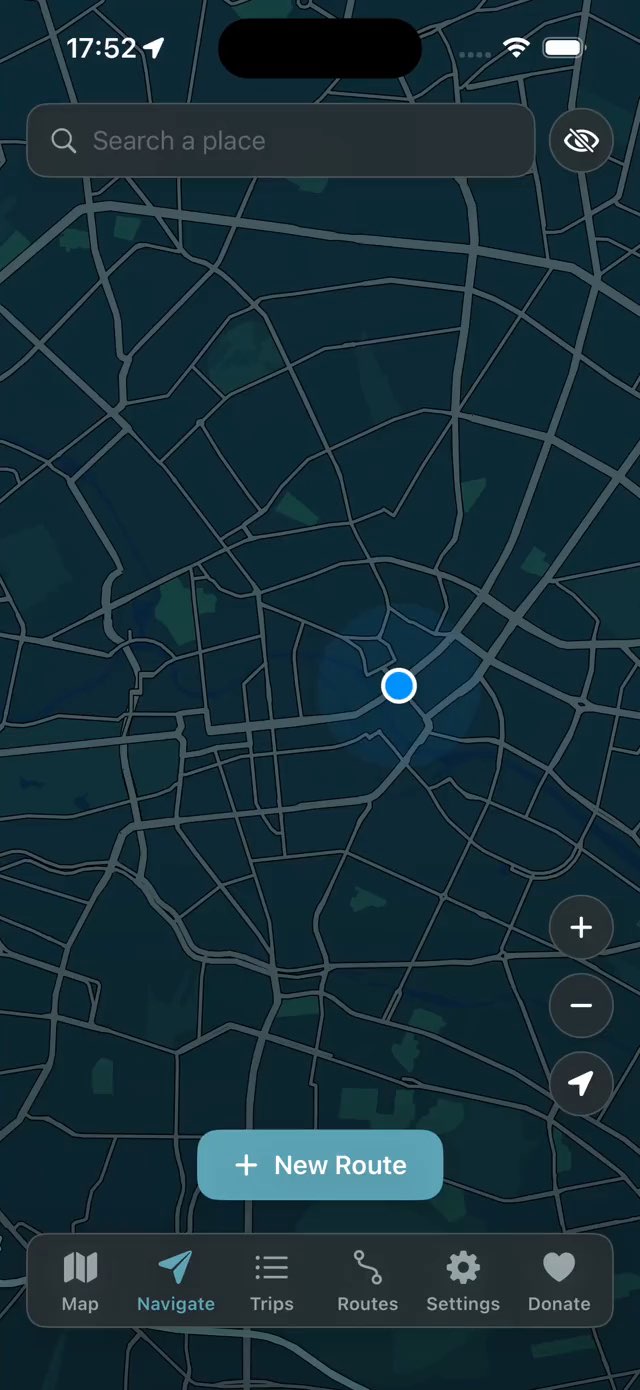
Each trip colours in the roads you cover, so your history isn't a list of dates — it's a map. Let it record on its own, or start and stop trips by hand.
Automatically record every walk, run, ride and drive — and turn them into a living map of everywhere you've been. Build round trips in a single click. Design, share, import custom routes, and edit them as you need.
Zero features behind a paywall, no subscription or account required, data fully local and yours.
Just a companion map that helps you explore everything around you.
Free · No account · Requires iOS 17 or later
The Long Way is not an Apple Health workout importer — it is a complete map companion with GPS recording and advanced routing/editing features. See the list of features and live demos below.
Each trip colours in the roads you cover, so your history isn't a list of dates — it's a map. Let it record on its own, or start and stop trips by hand.
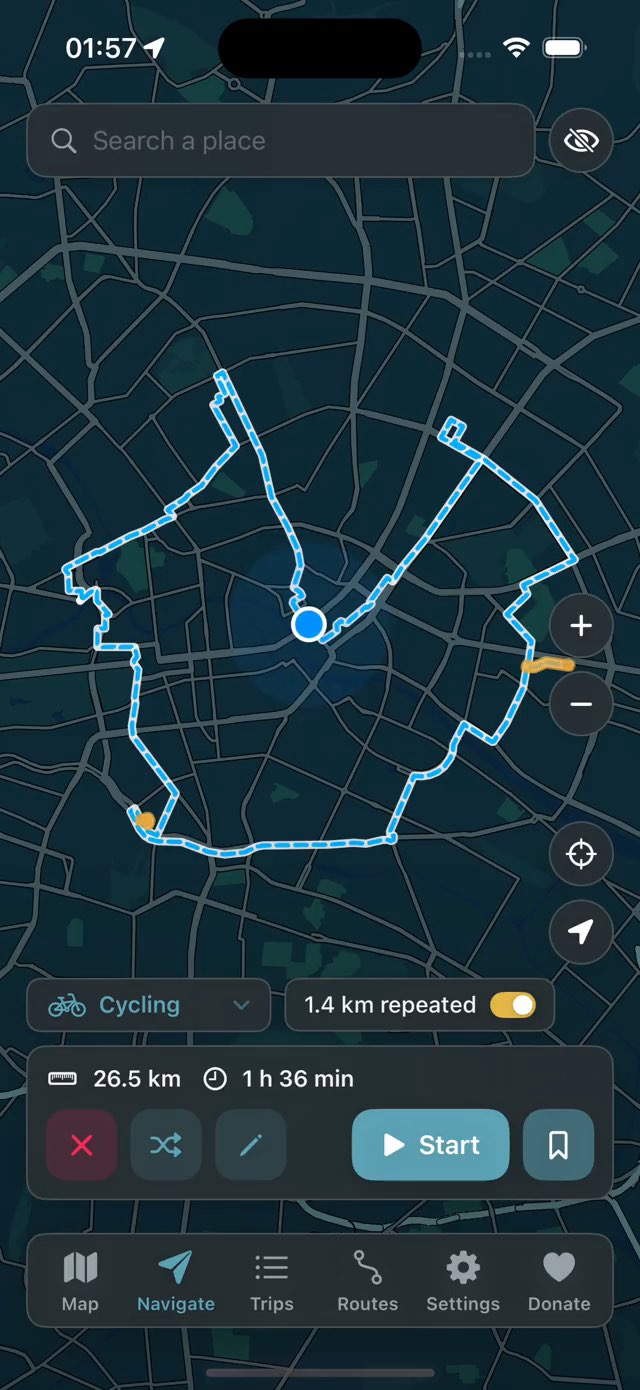
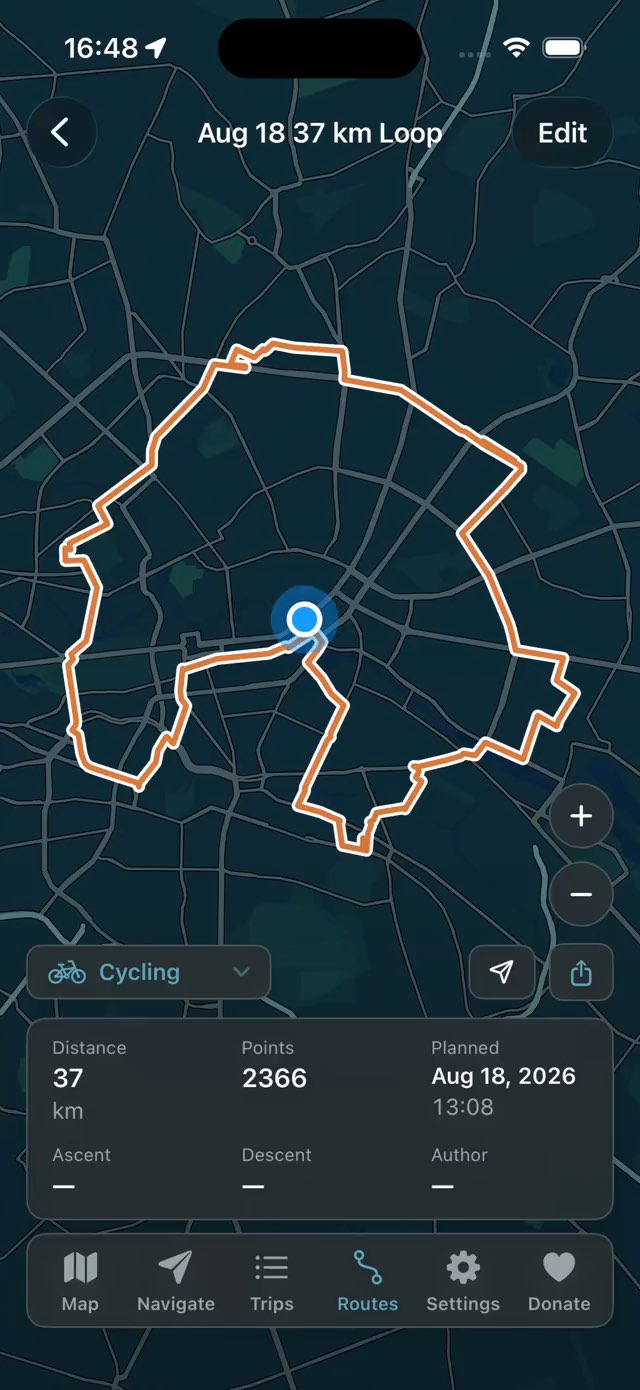
Pick a distance and get a loop that ends where you started — on foot, by bike, motorcycle or car. Ask again and you get a different loop, same distance, different streets.
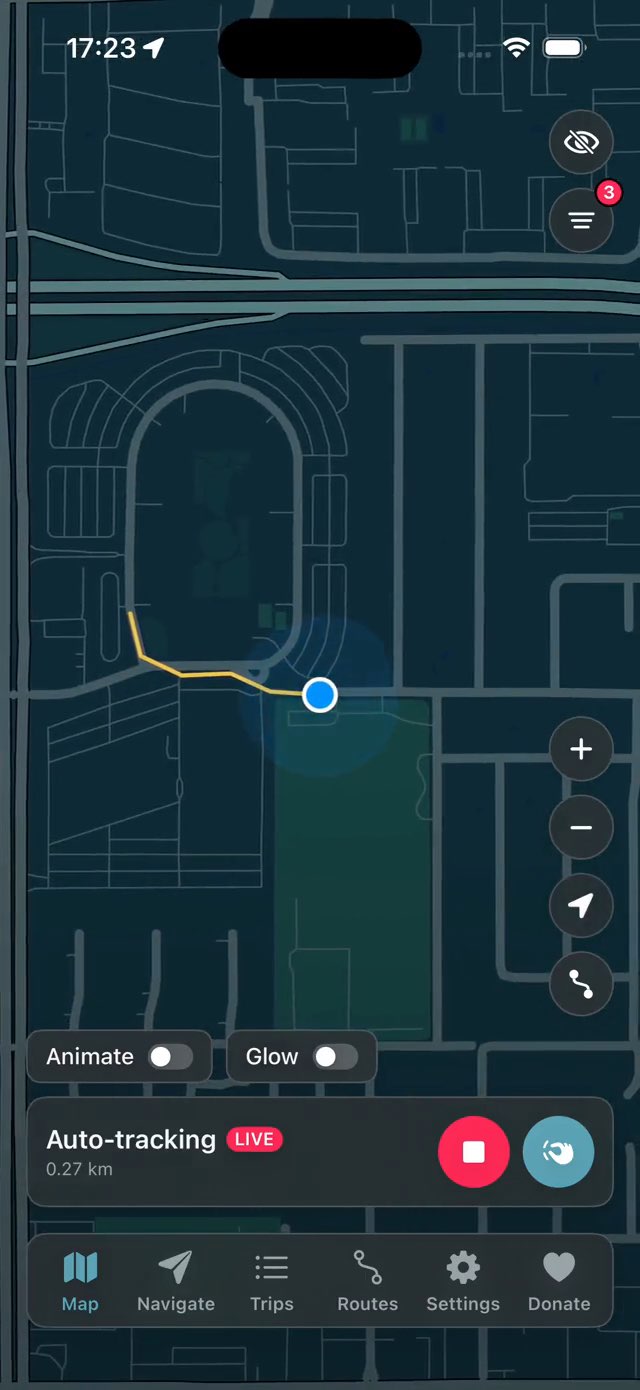
Leave it switched on and recording begins the moment you start moving, then keeps going in the background. No more “forgot to press start” — every ride and walk lands on your map.
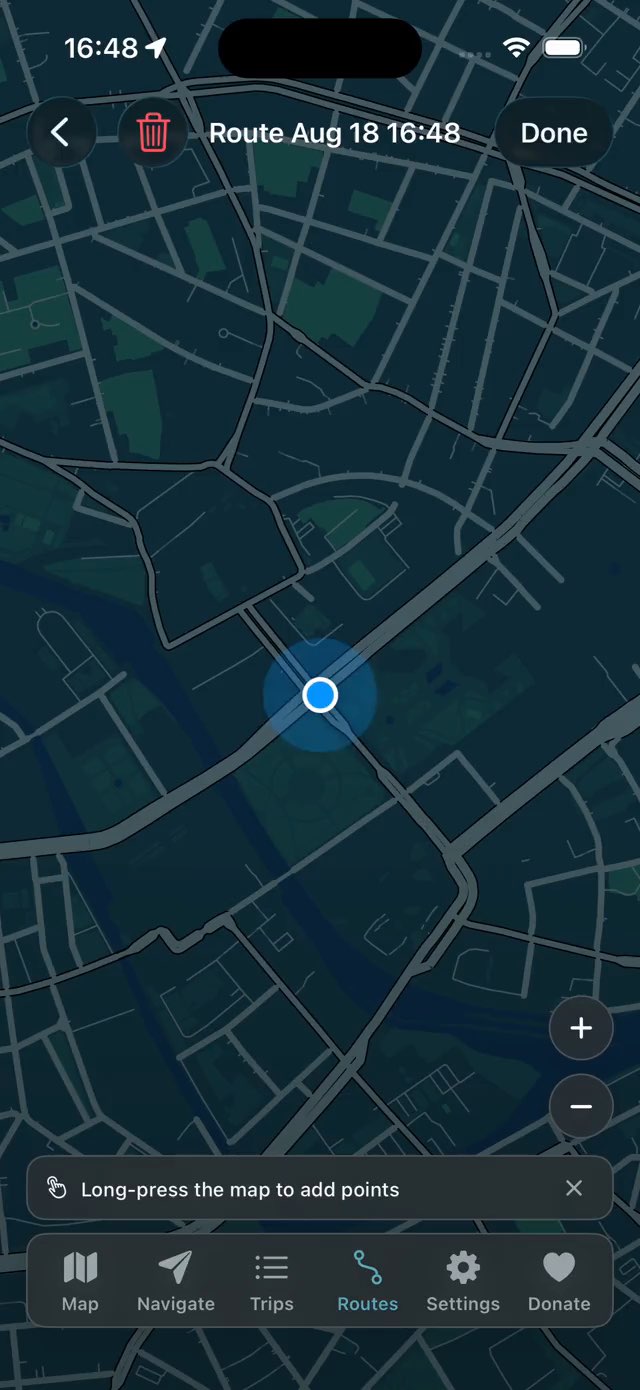
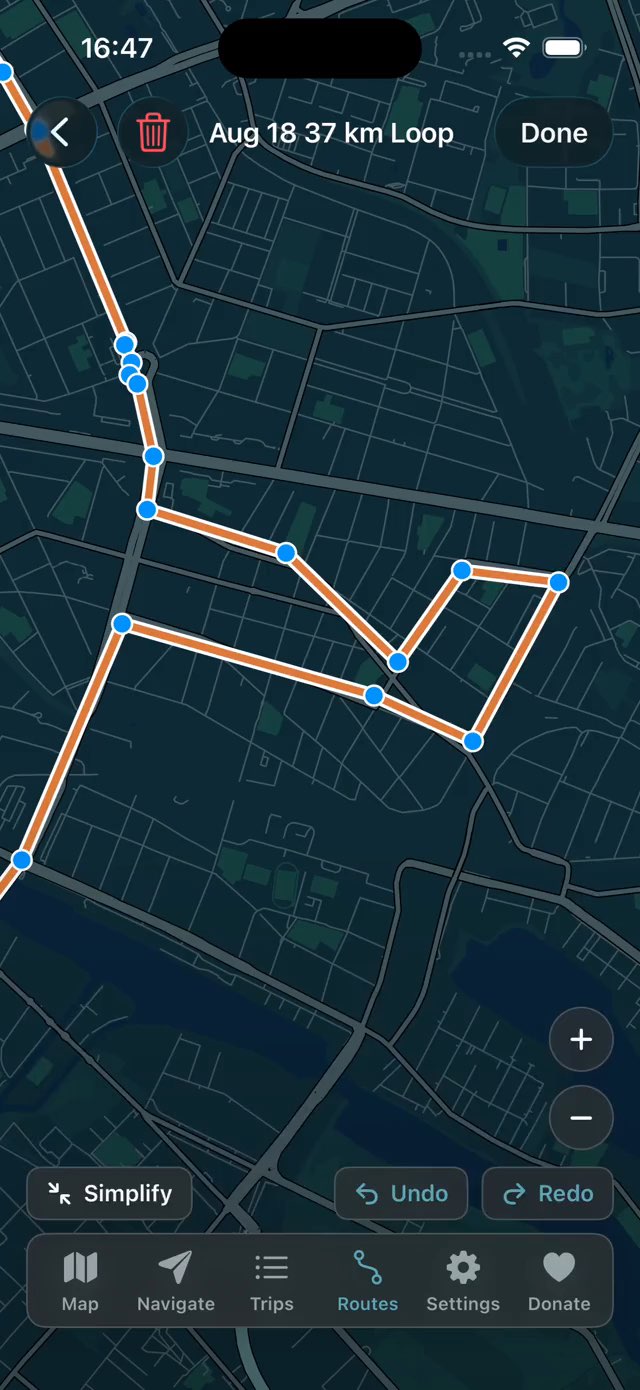
Draw a route point by point, or convert a recorded trip into a route and reshape it from there. Reverse the direction, cut a leg, pull a corner onto the road you'd rather ride. Any route can be simplified, too — thousands of points down to a few.
Everything you record or draw is stored as plain GPX. Export a single trip, or your whole history in one file for backup. Bring tracks in the same way — one file or a batch — from a bike computer, another app, or a friend.
There's no account and no server behind the app — your trips and routes are stored on the phone itself. The only copies anywhere are the GPX files you choose to export.
Our goal is simple: the whole app, every feature, available to everyone. If you feel it's worth supporting, you're welcome to leave a tip.
There's more inside — regular step-by-step navigation, in-app map customisation or via theme builder, activity filters, stats.
01World map
If you struggle to choose where to go this evening, just check the map and explore places you've never been. Use the round-trip generator to build the exact route.
02Round trips
A 3 km walk, a 50 km motorcycle ride — say how far you want to go and you get a loop from where you're standing back to it. Retry as much as you want to get a better route, the same length through different streets.
03Route editing
In-app editor allows you to modify navigation points as you want. Add or remove points, split a path to have more geometry, simplify a whole path in one click.
04Automatic recording
You don't need to manually start recording. Toggle auto-recording once, and the app will automatically start recording your trips, even if it's completely closed.
05Route overlays
Toggle multiple routes overlay on the Navigation map, each in its own colour. Follow visible paths while travelling without hard requirement to use step-by-step navigation.
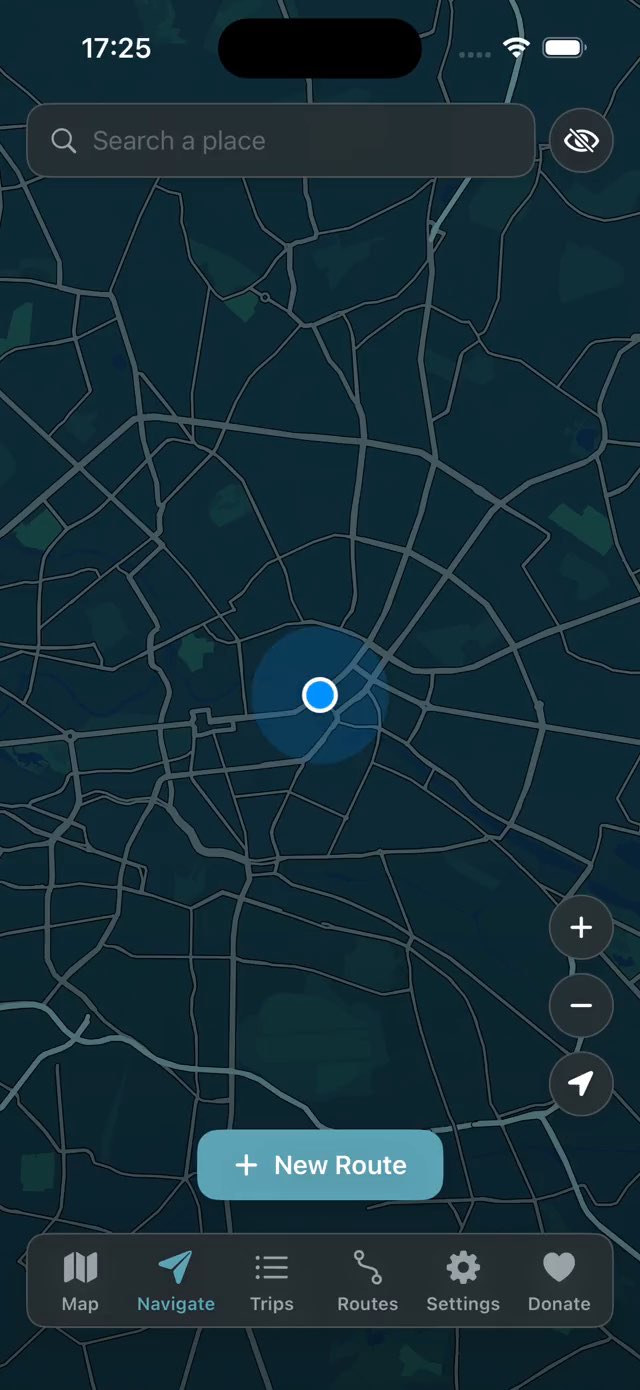
06Navigation
Search for a place, or hold a point on the map to set a destination, then start classic turn-by-turn navigation — with the distance left and your arrival time.
Get in touch
Don't hesitate to send us a message about anything related to the application or website.
Something not working, a feature request, feedback or a suggestion — we will try our best to help you.
We don't store your email and don't use it for marketing or any other purpose, just to reply to you regarding your request.